
Vector · The guide
The benchmark
Sixteen manipulation tasks on two Franka arms, each scored on its own: what one unit is, how its scenes are drawn, and how the scene distribution widens one factor at a time.
4 min read
Sixteen tasks
Every duel plays the same 16 tasks, each scored on its own as a success rate over its units. A model's score is the mean of its task rates, and every task gets 10 units, so no task counts for more than another.
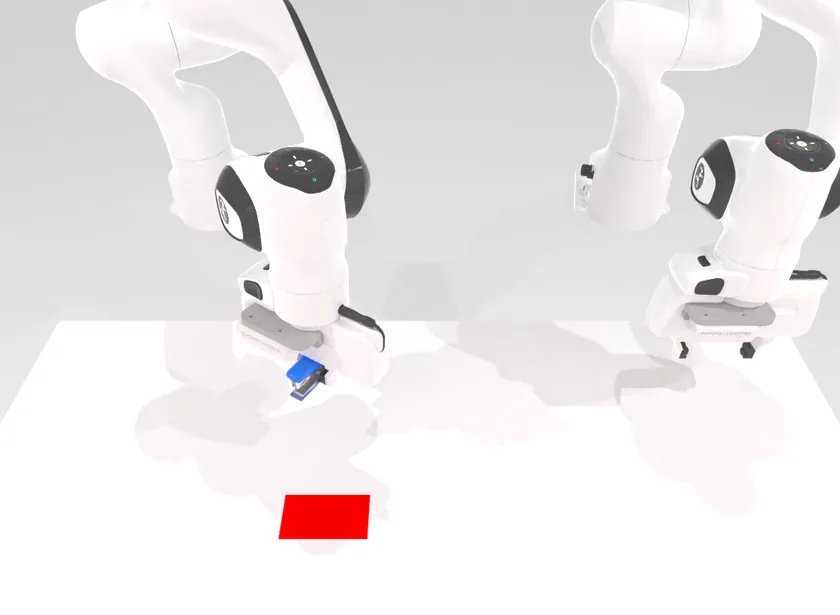
move_stapler_pad
Pick and place · one arm
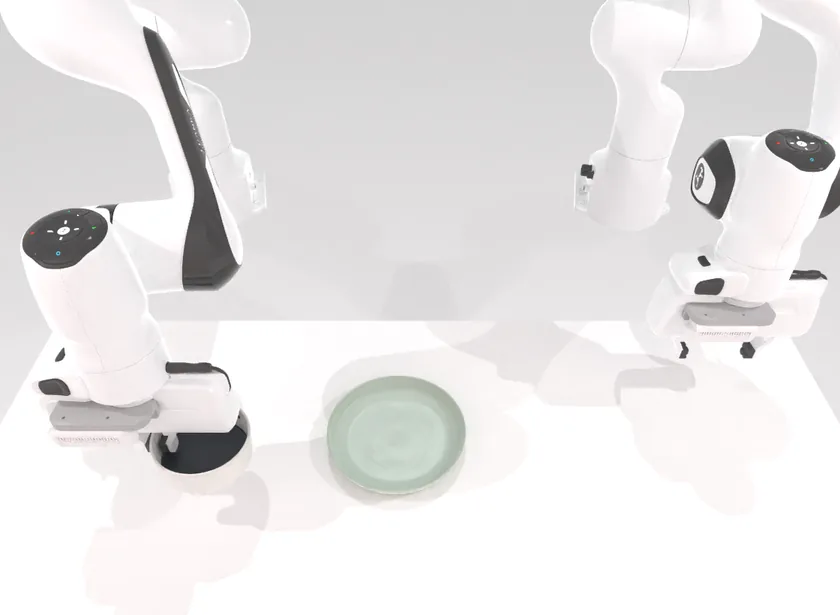
place_container_plate
Pick and place · one arm
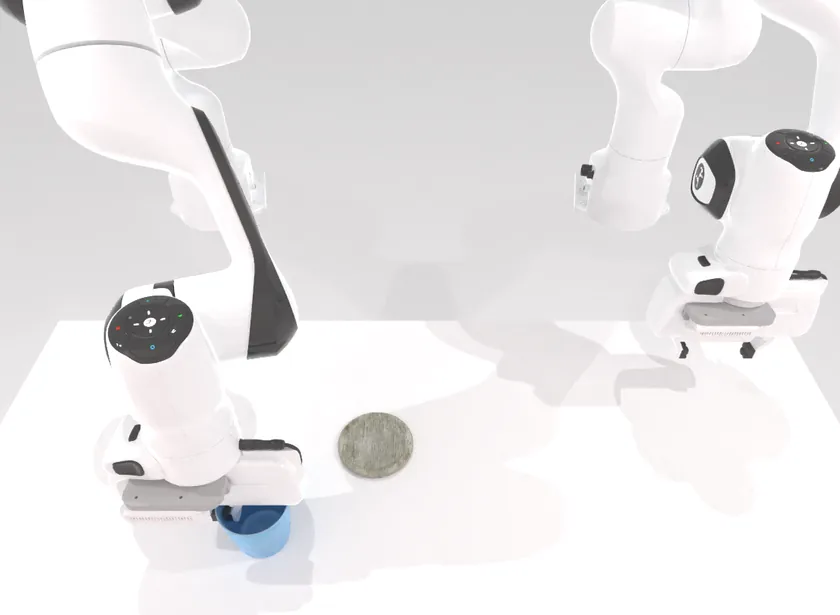
place_empty_cup
Pick and place · one arm
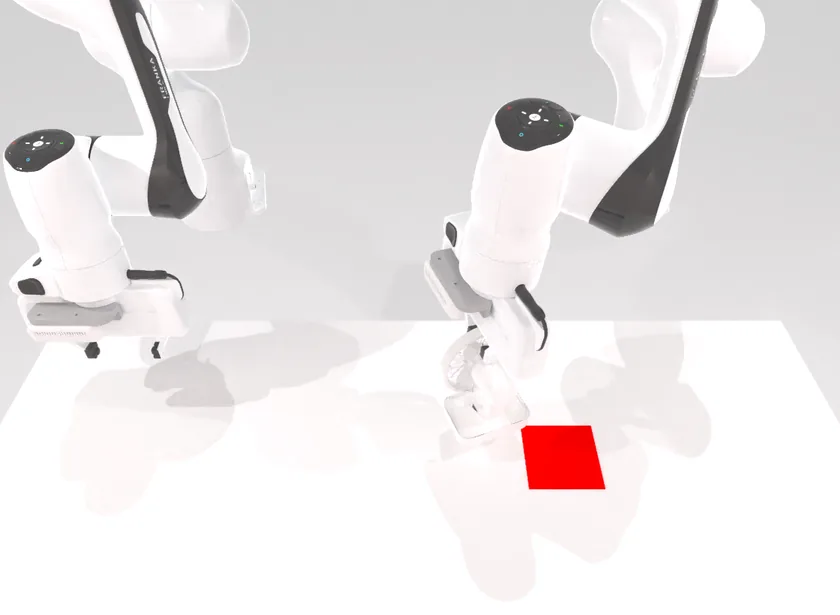
place_fan
Pick and place · one arm
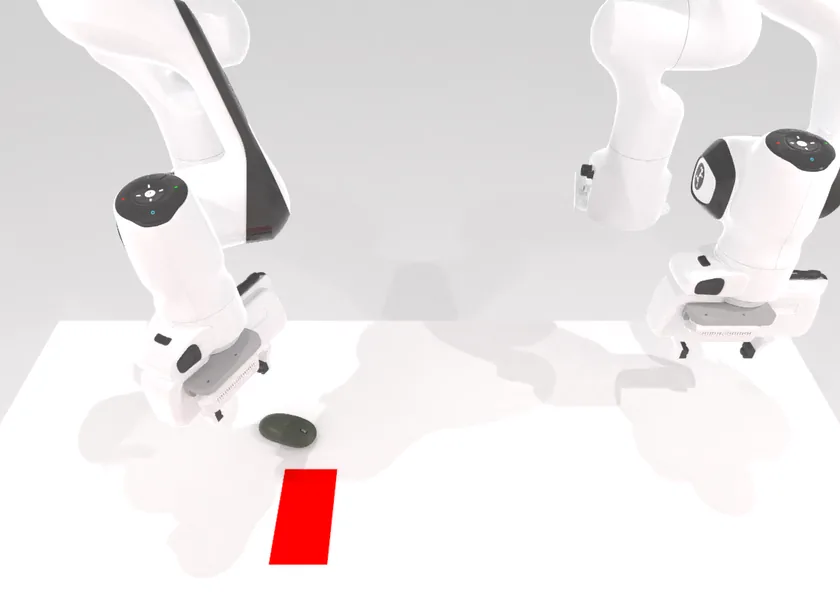
place_mouse_pad
Pick and place · one arm
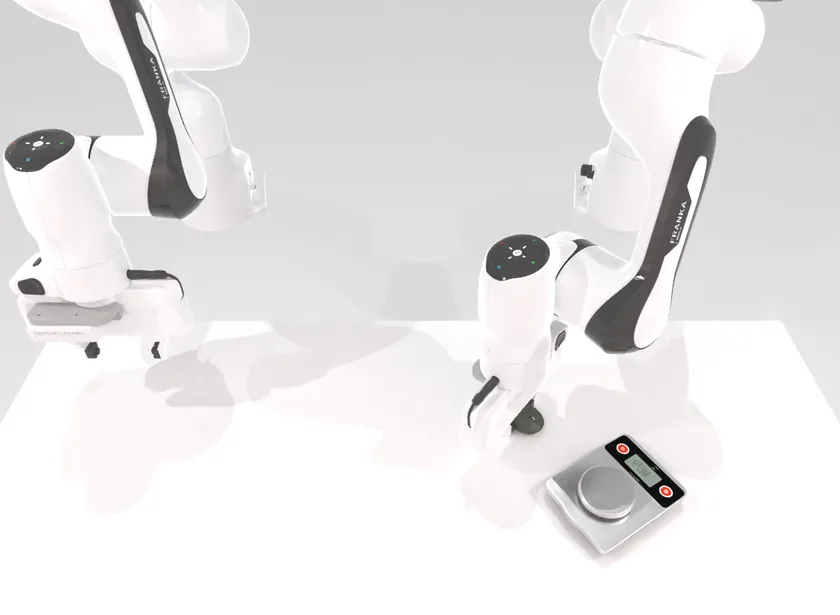
place_object_scale
Pick and place · one arm
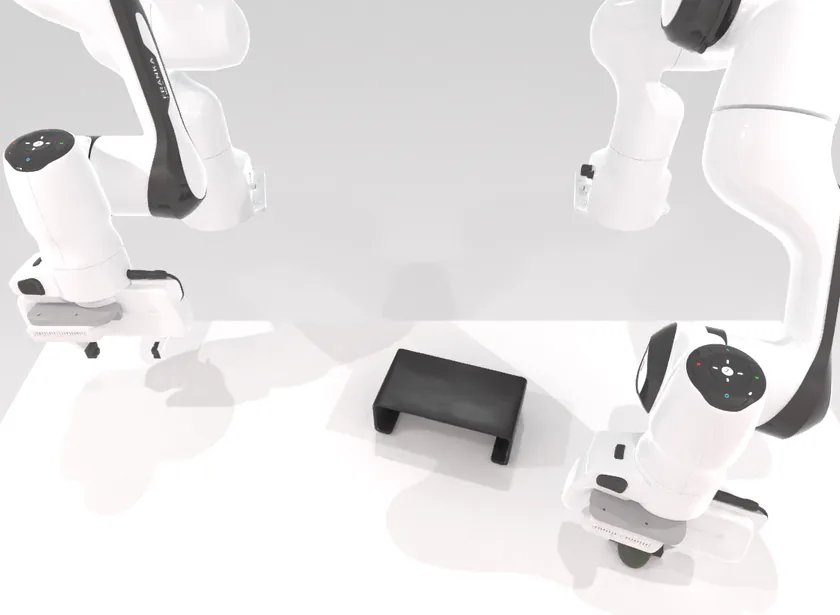
place_object_stand
Pick and place · one arm
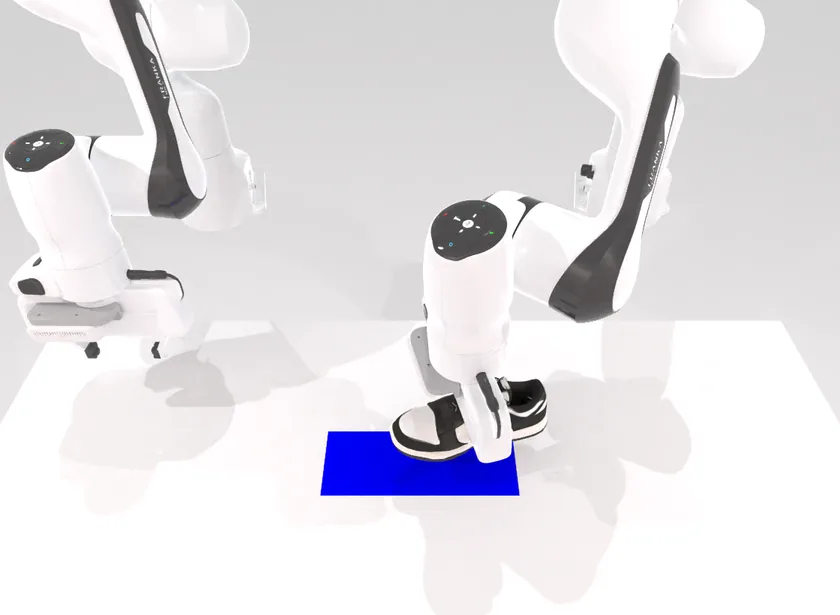
place_shoe
Pick and place · one arm
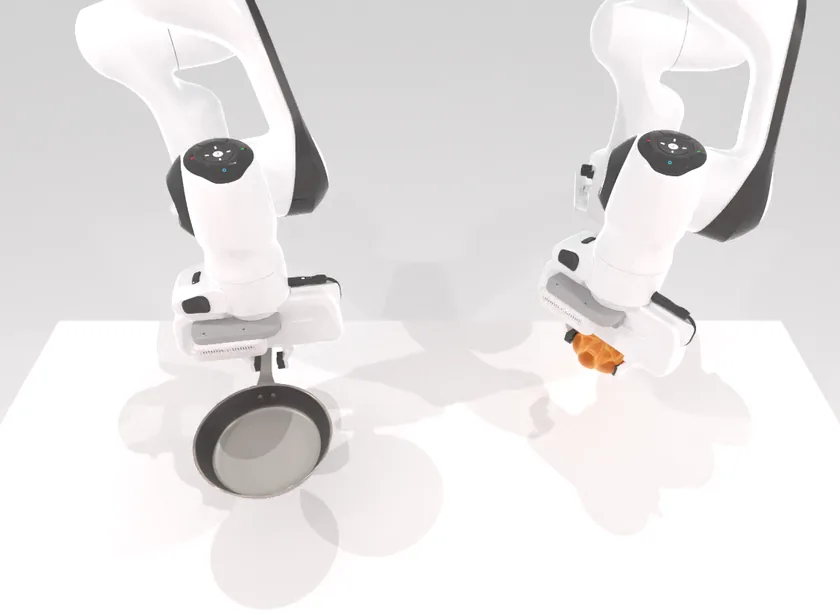
place_bread_skillet
Pick and place · two arms
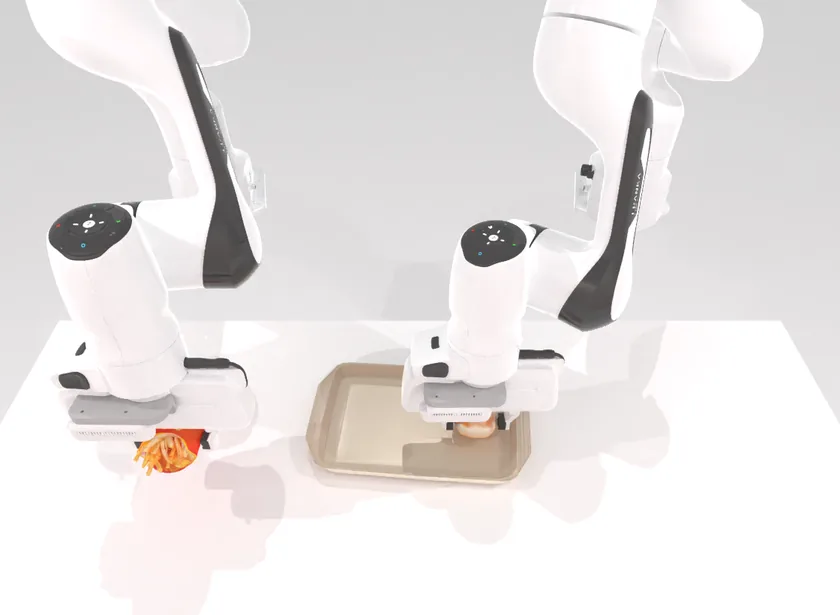
place_burger_fries
Pick and place · two arms
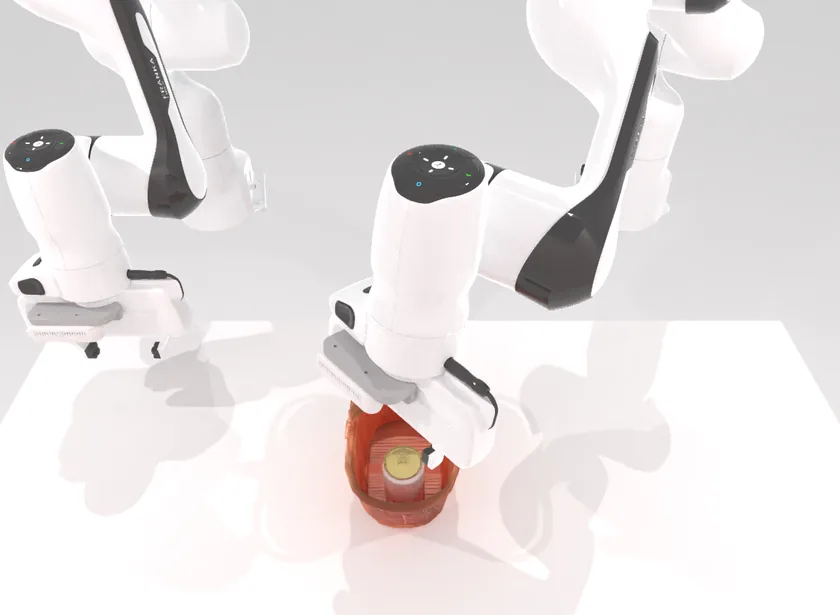
place_can_basket
Pick and place · two arms
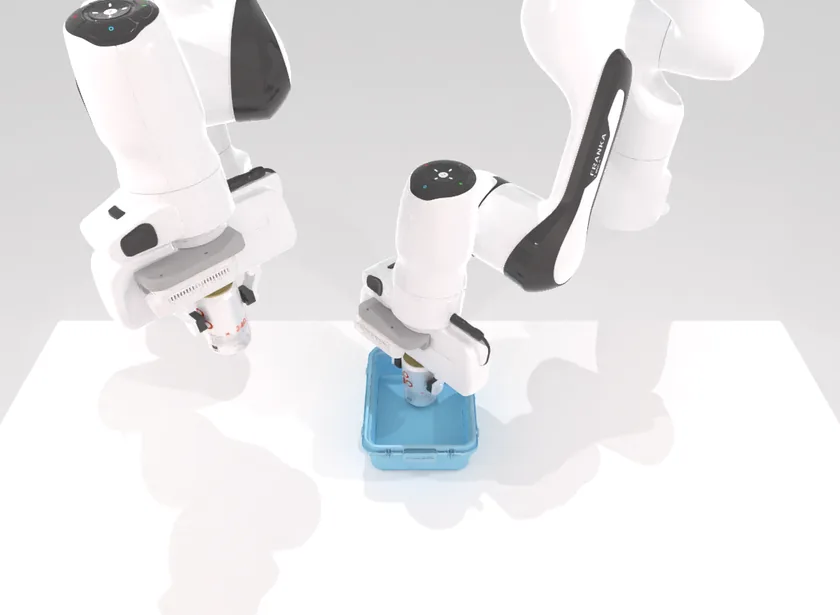
place_cans_plasticbox
Pick and place · two arms
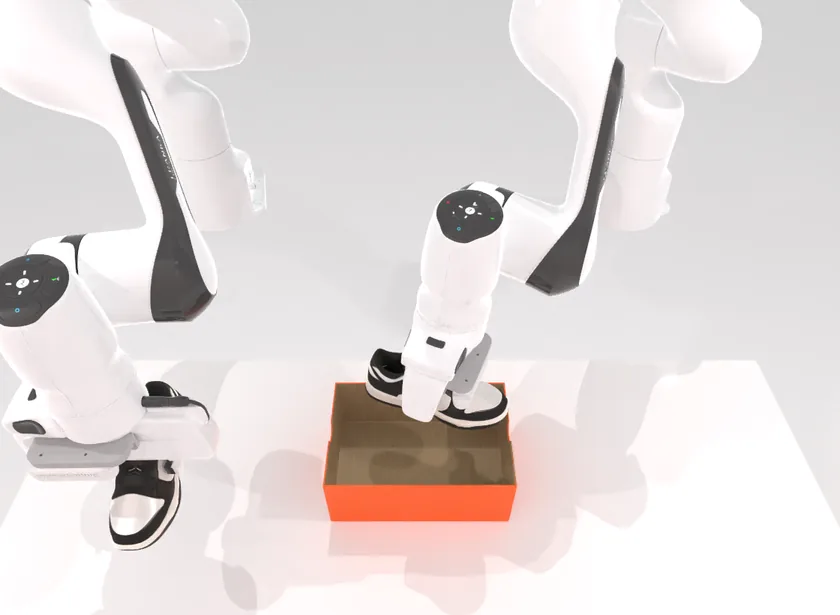
place_dual_shoes
Pick and place · two arms
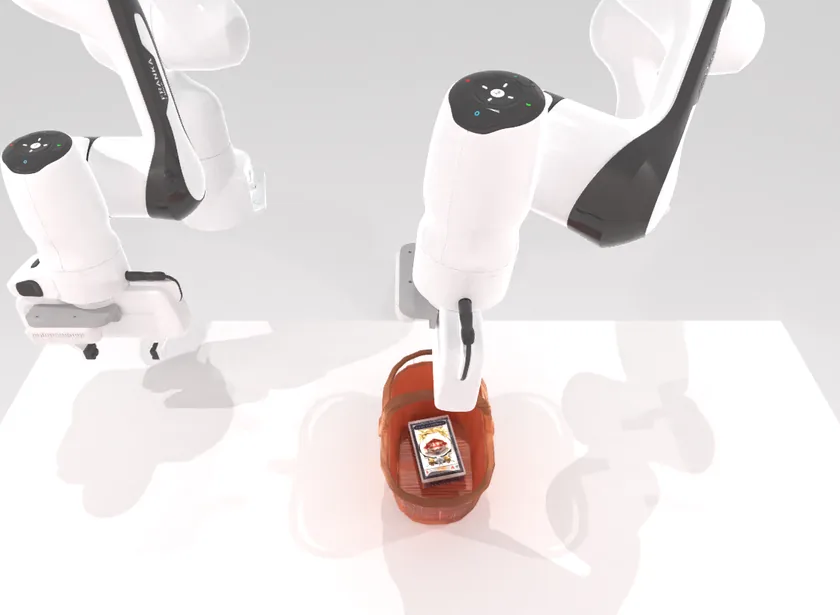
place_object_basket
Pick and place · two arms
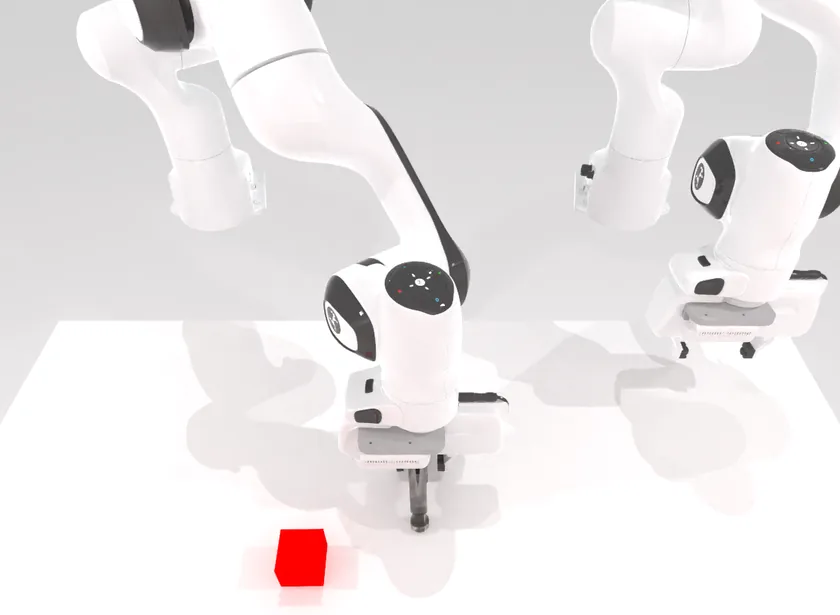
beat_block_hammer
Press / push · one arm
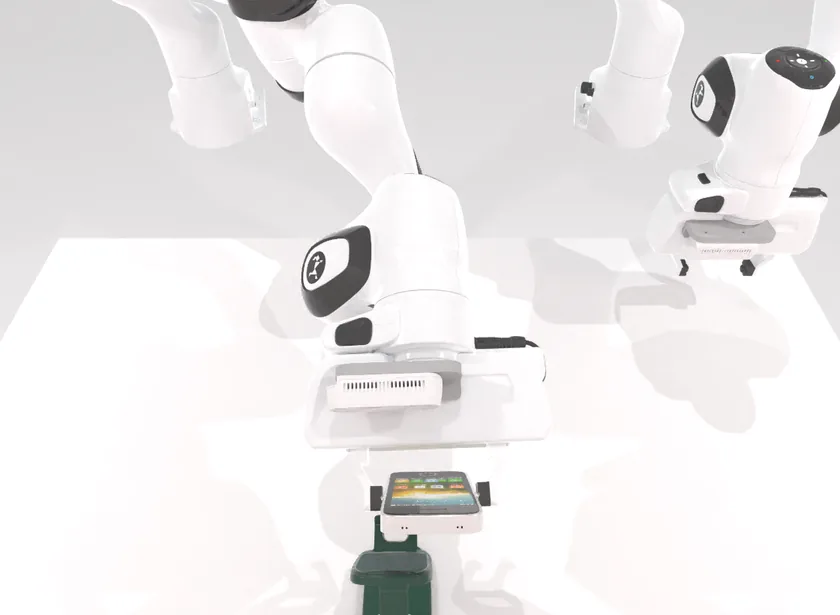
place_phone_stand
Insertion · one arm
The first release concentrates on one skill, so that the adaptation it measures is not confounded with skill coverage: fourteen tasks are pick and place, with one press/push task and one insertion task. Ten are done with one arm, which the scene decides; six need both.
| Task | What the expert does | Skill | Arms |
|---|---|---|---|
move_stapler_pad | Move the stapler onto the coloured mat. | Pick and place | 1 |
place_container_plate | Place the container on the plate. | Pick and place | 1 |
place_empty_cup | Place the empty cup on the coaster. | Pick and place | 1 |
place_fan | Put the fan on the mat, facing the robot. | Pick and place | 1 |
place_mouse_pad | Put the mouse on the coloured mat. | Pick and place | 1 |
place_object_scale | Put the object on the scale. | Pick and place | 1 |
place_object_stand | Place the object on the stand. | Pick and place | 1 |
place_shoe | Put the shoe on the mat. | Pick and place | 1 |
place_bread_skillet | One arm lifts the skillet, the other puts the bread in it. | Pick and place | 2 |
place_burger_fries | Both arms pick up the burger and the fries and put them on the tray. | Pick and place | 2 |
place_can_basket | Put the can in the basket, then lift the basket with the other arm. | Pick and place | 2 |
place_cans_plasticbox | Each arm picks up a can; both go into the plastic box. | Pick and place | 2 |
place_dual_shoes | Both arms put the two shoes in the shoebox, toes to the left. | Pick and place | 2 |
place_object_basket | Put the object in the basket, then move the basket with the other arm. | Pick and place | 2 |
beat_block_hammer | Grab the hammer and strike the block. | Press / push | 1 |
place_phone_stand | Seat the phone in its stand. | Insertion | 1 |
Duels run on RoboTwin-Vector, Robotensor's fork of the RoboTwin 2.0 bimanual simulator, with a controlled scene-variation gate and a dedicated evaluation harness.
One unit
A unit is one task and two scenes of it, drawn independently.
- The demonstration scene. The benchmark's scripted expert does the task once. Its run, recorded by three cameras (the head and both wrists) with both arms' poses at every step, is the policy's prompt.
- The scored scene. A second scene of the same task, where the objects are somewhere else and, where a task allows either, the other arm may have to act. The expert must be able to solve it too, and the steps it takes there set the unit's step limit.
- The rollout. The policy is shown the demonstration once, then drives both arms from the live cameras and poses until the task succeeds or the step limit runs out.
The policy is never told the task's name, the scene's seed or the success condition. The demonstration is the only statement of the task it gets.
| Robot | Two Franka arms; head and wrist cameras, 320 × 240 RGB |
| Step limit | 2× the expert’s steps in the scene, and never more than the task's own limit |
| Scene candidates | 20 per scene; the first the expert solves is used |
| Duel scene seeds | [2,000,000, 2³¹ − 1), dealt from the seed block's hash |
When a scene is rejected
A scene whose objects do not settle, or in which the expert cannot plan, raises an error, fails, or moves a joint past its limit, is rejected and the next of its 20 candidate seeds is tried. A rejected scene is never counted against a policy. A unit whose candidates all fail is void, and so is one the harness cannot finish; a void unit is scored for neither side.
Why the scenes cannot be learned
Duel seeds are dealt from the hash of a chain block finalized after the challenger committed, and sit above the range the benchmark reserves for training and evaluation (below 2,000,000). No policy can have trained on a duel's scenes. Training on the simulator itself is allowed, and is the intended way to compete: what Vector measures is generalization to new layouts of the same tasks.
Progressive diversification
Vector widens its scene distribution one factor at a time, so that every change in a champion's score can be put down to one source of variation. Today what changes between the demonstration and the scored scene is where the task's objects are (their position and, in most tasks, their yaw) and which arm does the job. Lighting, background, the objects' appearance and the table stay as they are.
| Variation | What varies | What it tests |
|---|---|---|
| Spatial | Object position and yaw; the acting arm | Mapping a demonstrated behaviour onto a new layout and, where needed, onto the other arm |
| Lighting and background | Light sources, wall and table texture, table height | Visual invariance of the encoder and of the prompt's reading of the scene |
| Object appearance | Object size and colour | Whether the policy keys on an object's role rather than its pixels |
| Object category | Other instances and categories of the task's objects | Whether a demonstration with one object transfers to another that plays the same role |
| Clutter | Distractor objects on the table | Attention to the objects that matter, and dependence on the demonstration to find them |
| Embodiment | A robot other than the demonstration's | Transfer of demonstrated behaviour across bodies |
The scene generator draws its random values in the same order whatever is switched on, so a seed keeps its object layout as lighting and background are added. A champion can be replayed on its own units with one more factor switched on, and the drop in its score estimates the price of that factor.
Clutter matters twice. A table that holds only the task's own objects can give the task away; distractors make the demonstration necessary to know what to do.
Growing the task set
After the scenes, the task set grows beyond pick and place, one skill category at a time. Each addition is published as a new contract version, and a duel's id includes the version, so results under different task sets are never mixed. With more tasks sharing the same objects and scenes, the demonstration becomes the only way to tell them apart.